Yes, I have indeed crossed over to the dark side of the literature world.
I have always been a fan of physical books. I like the smell, I like placing them on shelves and I like the anticipation that builds before turning the page.
Have you ever turned the page so quickly out of pure anxiety of what was going to happen next that you ripped the page? I have. And I'm not sure I ever will again.
I have to admit, I'm not as avid of a reader as I was in the past. I'm more into reading tweets and blogs and getting my daily fill of breaking tech news these days. Also, my purse is heavy enough with everything I insist on keeping with me at all times. Plus I feel that if I brought a book I'd have to sacrifice my iPad in the name of space.
Leave my iPad at home?! I think not! So I decided to give this whole ebook thing a shot.
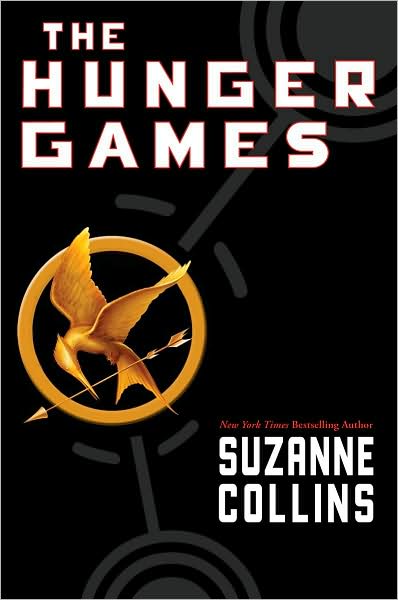
Using Apple's iBook application, I quickly got my hands on a copy of Suzanne Collins'
The Hunger Games, which my friends and I are reading for our newly founded book club.
After a day of reading I was not only in love with the book but also in love with my iPad turned eReader!
6 Reasons Why I Took My Reading Digital
- I can read in the dark. No more choosing my place to relax and read according to the lighting quality.
- I can multitask. With the press of a button I can take a break to check my email, tweet about how good the book is, or participate in my online book club.
- I always have my iPhone with me. Even when I don't have room to carry a book or my iPad, I can still read on my iPhone because iBooks makes that super convenient. If I leave off on page 273 on my iPad, when I open the iBooks app on my phone it automatically advances me to page 273.
- I can read when I'm supposed to be doing something else. I like to read on my lunch but for some reason people feel like it's okay to disturb you while reading a book. However if I'm reading on my iPad, everyone leaves me alone. It must look like I'm deep into through over an email or some kind of project.
- Practice what I preach. I have been a huge advocate for digital books (most specifically, digital textbooks) but I rarely ever use them. I'm not sure why. Probably because my life is so busy I just go with whatever is most convenient and I don't have time to deal with a dead battery when I just need to read. But it's time I make that leap. I can't be a tech junkie without with piece of the pie!
- Reading books on it gives me another reason why justifying the iPad's hefty price tag.
The only downside is that the "library" I plan on building in my house won't have much on the shelves now...